Currently it only shows your basic business info. Start adding relevant business details such as description, images and products or services to gain your customers attention by using Boost 360 android app / iOS App / web portal.
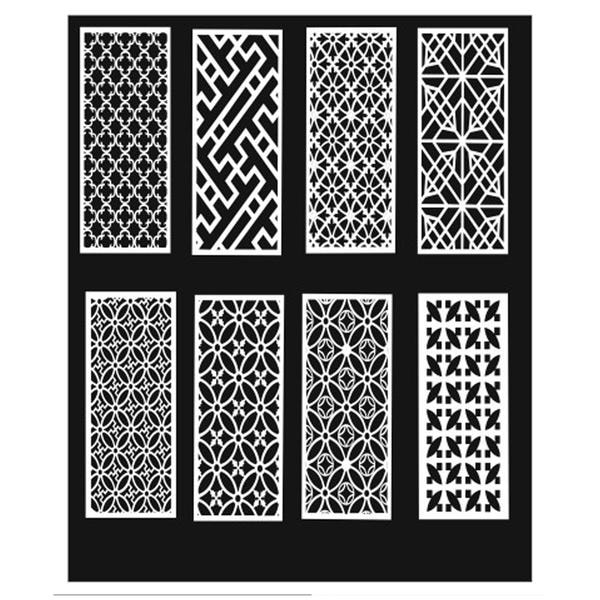
CNC Design in CorelDRAW – Concept Description CNC design in CorelDRAW refers to the process of creating precise vector-based drawings that can be converted into machine instructions for CNC (Cmputer Numerical Control) machines such as routers, laser cutters, plasma cutters, and milling machines. CorelDRAW is widely used in CNC workflows because it creates clean, scalable vector graphics, which CNC software requires to generate accurate toolpaths. 1️⃣ What is CNC Design? CNC design is the preparation of digital drawings that guide machines to cut, carve, engrave, or mill materials like: Wood Acrylic MDF Metal PVC Foam The design must follow exact measurements and technical guidelines to ensure proper machine execution. ...
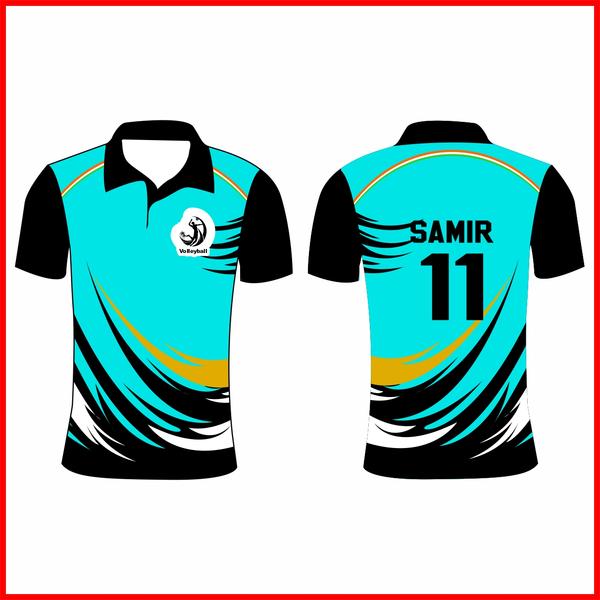
0 INR View More1. “Unleash the Athlete Within” A bold typography-based design featuring a powerful slogan across the chest. Use sharp, dynamic fonts with motion lines or lightning streaks in the background to symbolize speed and strength. You can add a subtle silhouette of a runner, footballer, or basketball player behind the text. Best suited for high-contrast colors like black and neon green, navy and red, or white and royal blue. 2. Minimalist Sports Icon Design A clean and modern design with a single sports icon (like a basketball, football, cricket bat, or dumbbell) placed at the center or on the upper left chest. Use geometric shapes or line art for a sleek appearance. This style works great with solid colors and limited palettes, making it perfect for team uniforms or gym wear. 3. Vintage Retro Sports Theme Create a retro-inspired design using distressed fonts and faded color tones. Add classic badge or emblem shapes with phrases like “Champions League,” “Since 1995,” or “All-Star Team.” Earthy tones such as mustard yellow, maroon, forest green, and navy enhance the vintage feel. This style gives a timeless, old-school athletic vibe. 4. Action Splash Artwork Show an athlete in motion with paint-splash or watercolor effects exploding around them. For example, a cricketer hitting a six or a basketball player dunking, with bright splashes symbolizing energy and impact. This design feels dynamic and eye-catching, ideal for youth sports events or tournaments. 5. Motivational Quote Design Feature an inspiring sports quote like “No Pain No Gain,” “Train Hard Win Easy,” or “Born to Play.” Use layered typography with shadow effects and bold alignment. You can combine it with subtle background elements like stopwatch graphics, speed lines, or flame effects to add intensity. 6. Team Pride Design Perfect for school or club teams. Include the team name in large bold letters, the mascot in the center, and the establishment year underneath. Use the team’s official colors for unity and identity. Adding stripes on sleeves or numbers on the back enhances the professional sports look. 7. Abstract Pattern Sports Design Incorporate modern abstract patterns like camouflage, geometric shapes, or gradient waves. Blend these patterns with sports symbols for a contemporary athletic style. This design works especially well for running, cycling, or gym wear collections. ...
0 INR View MorePosition Printing Training focuses on teaching operators how to achieve accurate print placement on different materials. It is commonly used in industries such as packaging, textiles, labeling, and commercial printing where exact alignment is essential. This training covers key areas including print registration, material positioning, machine calibration, and quality inspection. Trainees learn how to set up printing machines, adjust alignment controls, and monitor output to ensure consistency. Proper positioning reduces errors, minimizes waste, and improves overall production efficiency. Participants are also introduced to safety procedures, troubleshooting techniques, and maintenance practices to maintain long-term accuracy. By completing Position Printing Training, operators gain the skills needed to produce clean, well-aligned prints that meet professional standards. ...

18000 INR View MoreSINGLE MODULE- DURATION - 3 MONTH • Computer Fundamental , • Operating System- Dos, Windows xp / 7 • & 8 (Microsoft Authorized) • Note Pad, Word Pad, Ms. Paint Brush Etc... • Facility in MS-word, • How to start MS-word? • Information about MS-Word screen • Office button, Quick access toolbar... • Home, Insert, Page layout, References • Information about MS-Powerpoint screen • Office button, How to create a password • Quick access toolbar, Home, Insert.... • Animations, Slide show views Etc.. ...
0 INR View More Basic of Computer, Intro. to Hardware Software Installation, Internet Vector & Raster Graphics & Illustration Corel Draw - Colour theory & Schemes Separation, Pallets, Logo Creation How to use Photoshop tools Concept of resolution Creative Digital painting The course meant for jewelry Manufacturers. Jewelry design with Art work preparation Shadows & Lightings Bangles | Chain Ear rings | Bracelet & Necklaces...... Attaching diamonds Scanning of Ornaments Re-creation in Photoshop catalog creation.... ...
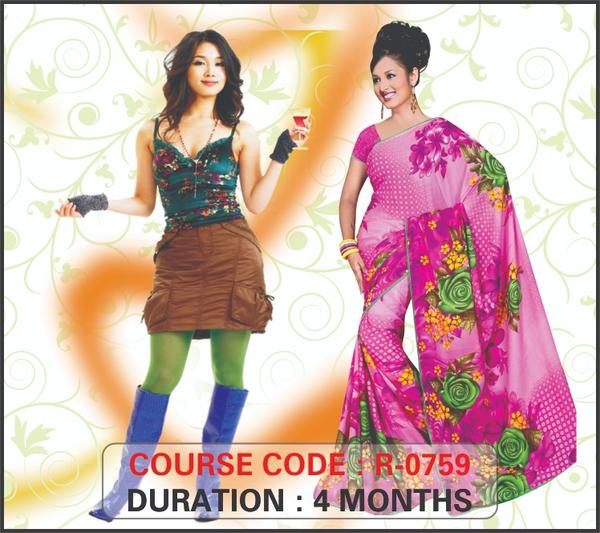
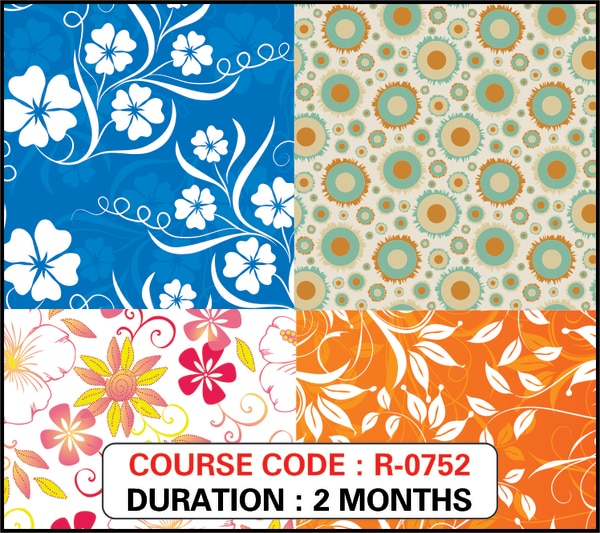
0 INR View MoreTEXTILE DESIGN - NORMAL Basic of Computer ,Photoshop, Introduction To adobe illustrator Design, Creation, Enhancement, Understanding Channel Tools & Workspace management . Color Theory , Colour Seperation. Retouching, Scanning of images , Vertical & Horizondal offset , Resa-Doting- Daba-Bandini-Lehriya- Spray-Hand Desines, Frame Setting in Diffeerent measurement , Such as 76, 80, 56,... Photo Editing Computerized Photo Manipulation, & Special Effect ,Colour Matching Repeat Setting - Cross and Negative Stroke Path & Recording Paths... ...
0 INR View MoreDIGITAL PHOTO MIXING & EDITION Computerized Photo - Mixing & Editing, Getting started with Photoshop, Colour separation, Colour Theory & Brushes Retouching of damages, Dig. Album creation, Studio base editing of scanned Images, Illustration graphic, Creating Collages, Masks Channel, Layers & History, Fashion Modeling Back ground & Abstract Designing, Scanning, Filter effects & Plugins, Web page layouts etc... ...
0 INR View MoreDTP Basic of Computer, Intro. to Hardware Software Installation, Internet Vector & Raster Graphics & Illustration Corel Draw - Colour theory & Schemes Separation, Pallets, Logo Creation Visiting Card, Digital banners Vinyls & Eco prints , Corporate Scanning ,Stationery Design, Colour separation ,Photo Editing and Wedding Card, Flex Banner, CD Calendar, Tools, Menu bar Filter Effects, Working with Fonts Bitstream Font Navigator, Import & Exporting Working with Bitmaps, Duplexing Publishing for Service buero How to use Photoshop tools Concept of resolution Creative Digital painting Karizma photo album Background change Create passport photo Wedding Albums ...
0 INR View MoreGUJARATI – HINDI TYPING • COMPUTER BASICS • Typing Tutor • MS WORD • TYPING USING GUJARATI FONTS • HINDI FONTS • FONT MANAGEMENT • PRINTER AND OPERATION ...
0 INR View More